Skip to content
bo66 Slots / App
LIVE LOBBY

bo66 — Live Tables, Slots and Crash Games, Settled via bKash, Nagad or Rocket

Choose a live dealer table for the charged back-and-forth, or drop into slots and crash games when you want to set your own pace. Both routes sit inside one lobby, and your wallet connects directly through bKash, Nagad or Rocket — available for eligible accounts in supported Bangladesh regions.

bKash Nagad Rocket
Browse games
CONTENT / 01

Crash Limitless and Baccarat JetSet — Two Lanes, One Lobby

The lobby at bo66 organises games into two clear categories, and the difference between them is not just visual — it is about how you want to engage.

  • Crash Limitless

    A self-paced crash game where you set your own exit point. Rounds are short and independent, making it a natural fit for mobile sessions. The multiplier curve and cash-out button are the two elements you manage — everything else is automated. Available in the crash category of the lobby.

  • Baccarat JetSet

    A live dealer baccarat table with real-time card draws and dealer interaction. Choose your bet side — Player, Banker or Tie — before each round opens. The table interface shows bet limits and round history on the same screen. Find it under the live casino tab in the main lobby navigation.

  • Cricket Stats Hub

    The sportsbook entry point for cricket, covering international fixtures and BPL matches as they become available. Market selection and odds are shown live on the betting screen. This is a category listing, not a game — navigate to the sportsbook tab and select cricket to see current markets.

BO66
Mobile casino lobby
Popular Live Slots
Cricket Stats Hub Baccarat JetSet bKash User Guide
MOBILE LOBBY

Built for phones, clear on desktop

Cards, tables, FAQ and policy pages stay easy to read on smaller screens.

  • Quick categories
  • Mobile first
  • Access
App
CONTENT / 03

The Lobby Runs Clean on Any Mobile Browser

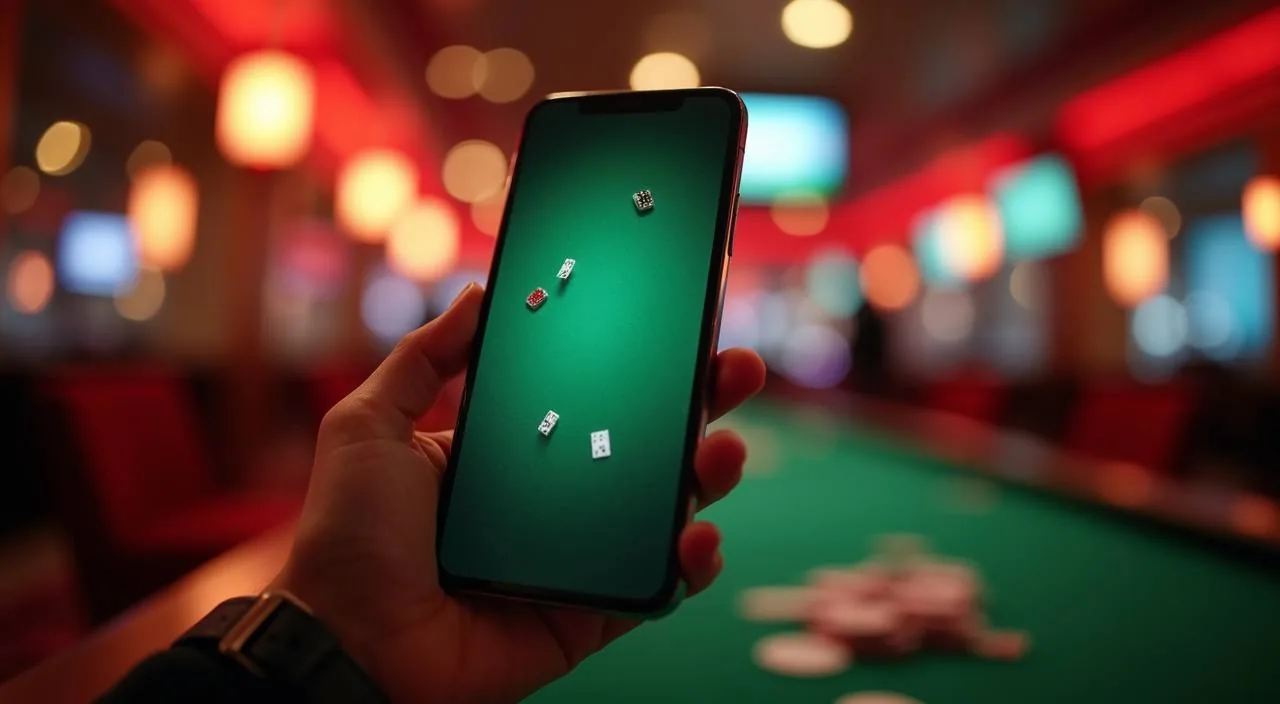
No separate download is needed to reach the bo66 lobby from your phone. Open your mobile browser, navigate to bo66, and the layout adjusts automatically to your screen width — whether you are on a mid-range Android or a re cent iPhone. The navigation menu collapses into a compact format so that core sections — wallet, lobby, account settings, and support — remain reachable with a single tap. Page load is optimised for the kinds of mobile data connections common across Bangladesh, meaning the interface remains functional even when signal strength is uneven. If you rotate your device to landscape orientation, the lobby grid re-arranges columns to make better use of the wider viewport. Bookmarking the bo66.asia address to your home screen gives you a shortcut that behaves similarly to a dedicated icon without requiring any installation step.

  • Browser-Native Access

    Open bo66 in any modern mobile browser — Chrome, Firefox or the native Samsung browser all work. The interface scales to your screen without a separate app install, keeping your storage free while giving you full access to the live casino section, slots lobby and account wallet from one tab.

  • Home Screen Shortcut

    Use your browser's 'Add to Home Screen' function to place a bo66 shortcut directly on your Android or iOS home screen. It opens in a full-screen view without address bars, making the lobby feel native.

  • Session Recovery

    If your mobile connection cuts out during a live table or crash round, the server holds your position for the duration of the current round. Reload the browser tab and the session resumes.

ACCOUNT PATH

From Registration to First Game in Four Steps

Getting into the bo66 lobby takes four straightforward steps, and each one is shown clearly on the relevant screen — there is no guesswork involved. Step one: open bo66 and select the account registration option; you will be asked for an email address and a password of your choice. Step two: verify your contact details using the confirmation method shown on screen after you submit the registration form. Step three: complete the account profile fields, which include the information needed to match your identity to your chosen payment rail. Step four: navigate to the wallet screen, connect your preferred payment option, and you will then have full access to the lobby.

  1. Register with Email

    Open the registration screen at bo66 and enter your email address along with a password you choose. The form fields are minimal — this step takes under two minutes. Once submitted, you receive a confirmation email immediately.

  2. Verify Your Account

    Click the verification link in the confirmation email to activate your account. Without this step, deposit access remains locked. If the email does not arrive within a few minutes, check your spam folder or use the resend option on the login screen.

  3. Add Funds via bKash, Nagad or Rocket

    Go to your account wallet, select bKash, Nagad or Rocket, and follow the transfer instructions shown on screen. The Deposit references and confirmation steps are displayed in the wallet interface itself — read those fields carefully before confirming the transaction.

  4. Pick Your Game Lane

    With your wallet balance confirmed, enter the lobby and choose: live casino tables for a dealer-led session, or slots and crash games for a self-paced round. Both categories are accessible from the main lobby navigation bar without switching pages.

MEMBER DESK / 06

Offers, support and account controls

01

Game lobby

02

Payment guide

03

Support

LOCAL PAYMENTS

bKash, Nagad and Rocket Inside Your Account Wallet

The bo66 wallet supports three payment rails that Bangladesh players use every day — bKash, Nagad and Rocket. All three are set up as direct options inside your account wallet screen, so there is no need to go through a third-party cashier page.

  • bKash

    bKash is available directly in the bo66 wallet as a deposit and withdrawal option. Select it from the wallet screen, enter the transfer amount within the stated limits, and complete the bKash mobile confirmation as prompted. The transaction appears in your account history once confirmed on the bKash side.

  • Nagad

    Nagad connects to the bo66 wallet through the same in-account flow as bKash. Open the wallet tab, pick Nagad, follow the on-screen steps and confirm via your Nagad account. If you have previously used Nagad for other mobile money transfers in Bangladesh, the steps will feel immediately familiar.

  • Rocket

    Rocket — the Dutch-Bangla Bank mobile wallet — is a third option in the payment screen. The deposit and withdrawal process mirrors the other rails: select Rocket, enter the amount and confirm. Keep your Rocket PIN ready before starting the transfer, as the confirmation step requires it.

  • Bank Transfer

    Bank Transfer is available for accounts that prefer a direct bank channel over mobile wallets. The transfer details and reference information are shown in the wallet screen after you select this option.

Banking
DISCOVER / 01

Choose your game

Full lobby
GAME NETWORK
JDB
Bigtime Gaming
Pragmatic Play
CQ9
CONTENT / 04

bo66 lobby studios

The bo66 lobby carries content from JDB, Bigtime Gaming, Pragmatic Play, CQ9. To check the studio, rules or features of one specific game, open that game card or the published information panel.

  • JDB

  • Bigtime Gaming

  • Pragmatic Play

  • CQ9

ACCOUNT HELP

Where to Go When You Need Account or Payment Help

Support at bo66 is reachable through the help icon present on every page of the site — you do not need to navigate away from your current screen to open a help request. When you open a help request, you are given the option to select the category that best describes your issue — account access, wallet, or a specific game query — so the request reaches the correct team without unnecessary back-and-forth. Response times can vary depending on the volume of requests at that moment, but the help screen displays an estimated wait indicator so you are not left uncertain. For wallet-related questions specifically, having your transaction reference number ready before you send the request will allow the support team to locate the relevant record more quickly. All previous conversations with support are stored in the help section of your account, making it straightforward to follow up on an open query.

  • Payment Queries

    For any bKash, Nagad or Rocket transaction that shows an unexpected status — pending longer than the on-screen estimate, a deduction without a wallet credit, or a withdrawal that has not updated — contact support via the help icon and

  • Account Access

    If you cannot log in — whether due to a forgotten password, an unverified email or a session error — use the account recovery option on the login screen first.

  • Lobby and Game Help

    For questions about how a specific game works, where to find a category in the lobby, or why a game screen is not loading, start with the FAQ section on this page.

ACCOUNT DESK

Account information

Review current account information after signing in.

Login
EDITORIAL PICK

Slot Spin Elite — What the Slots Category Looks Like at bo66

Slot Spin Elite is a representative example of what the slots category at bo66 offers in terms of format and pace. It is a structured spin-based game — you set your stake per round, spin and the outcome resolves within seconds.

  • Slot Spin Elite

    A structured reel-format slot with bonus-trigger conditions shown inside the game's own paytable screen. Rounds resolve per spin, making it easier to manage your session length compared to open-ended crash formats. Available in the slots lobby; filter by provider to confirm the studio behind this specific title.

  • bKash User Guide

    The bKash User Guide in the account section walks you through the deposit and withdrawal flow step by step, with the exact field labels and confirmation prompts you will encounter.

  • Football Betblitz

    Football Betblitz is the football sportsbook entry in the lobby — a live market page where you can browse current fixtures and available bet markets. It sits in the sportsbook tab alongside the cricket section. Markets and odds reflect live data; no specific odds are guaranteed and they change with match conditions.

TRUST / 03

How bo66 Approaches Account Security and Fair Play

Account security and fair-play context are two areas we think are worth being direct about, because they affect how you use the lobby and what you can expect from the platform. On the security side, your account is protected through the login credentials you set at registration. Within your account settings panel you will also find tools that let you manage how the platform behaves for you personally — these include options that affect session behaviour and certain account-level controls. These settings are accessible at any time from the account menu and take effect immediately once saved.

  • Account Security

    Your account credentials — email and password — are the primary access control. Set a strong, unique password at registration and do not share it.

  • Fair Game Outcomes

    Game results in the bo66 lobby are produced by the studio game engines — JDB, Bigtime Gaming, Pragmatic Play and CQ9 — independently of the platform. We do not intervene in round outcomes. Where a studio publishes RTP information, it appears inside the game client; where they do not, we do not substitute an estimate.

  • Regional Availability

    Access to bo66 and its games depends on local law and eligible regions at the time of your visit. We cannot confirm individual eligibility, and we encourage you to verify your own status under local law before creating an account. Terms of service, including eligibility conditions, are published on the site's terms page.

  • Transaction Transparency

    Every deposit and withdrawal you make through bKash, Nagad, Rocket or Bank Transfer is recorded in your account transaction history with a timestamp and reference. This record is the primary source for resolving any payment query — quote the reference number when contacting support about a specific transaction.

Learn more →
PLAYER INDEX / 07

Game Category and Account Terms Explained

A short reference for the terms and concepts that come up most when you are navigating the bo66 lobby for the first time. These answers focus on what you encounter in the account and lobby screens rather than general industry definitions.

Player guide and glossary
  • What is the difference between the live casino and the slots section?

    The live casino section connects you to tables run by real dealers in real time — you are playing alongside other participants and the pace is set by the dealer.

  • What does 'crash game' mean in the lobby context?

    A crash game is a round format where a multiplier rises from 1x and you decide when to cash out before the round ends. If you cash out before the crash point, your stake is multiplied by the value at which you exited.

  • Where does RTP information appear for a specific game?

    RTP — return to player percentage — is shown inside the game client itself, usually in the game's information or paytable screen, where the studio has chosen to publish it. bo66 does not add estimated RTPs to game cards in the lobby.

  • What does the account wallet tab show?

    The wallet tab inside your signed-in account shows your current balance, your available payment methods — bKash, Nagad, Rocket and Bank Transfer — the deposit and withdrawal fields, and any stated limits for each method. Your transaction history, including timestamps and reference numbers for past transfers, is also accessible from this tab.

  • What does 'provider filter' mean when browsing the lobby?

    The provider filter in the lobby lets you narrow the displayed game catalogue to titles from a single studio — JDB, Bigtime Gaming, Pragmatic Play or CQ9.

  • What is the sportsbook section and what does it cover?

    The sportsbook section sits alongside the casino and slots categories in the main lobby navigation. It covers sports betting markets, with cricket — including international fixtures and BPL match markets — being the most-used category for Bangladesh accounts.

  • What happens if my bKash deposit shows pending in the wallet?

    A pending status means the transaction has been initiated but the balance has not yet been credited to your account wallet. Wait for the timeframe shown on the wallet screen before taking further action.

Full glossary
LOBBY / 02

One mobile lobby, distinct game areas

Cricket Stats Hub Sports Cricket Stats Hub Access → Baccarat JetSet Live Baccarat JetSet Access → bKash User Guide Slots bKash User Guide Access → Football Betblitz Sports Football Betblitz Access → Crash Limitless Slots Crash Limitless Access → Slot Spin Elite Slots Slot Spin Elite Access →
EXPLORE FURTHER / 04

Explore detailed guides

Local lobby check

QUICK ANSWERS

Frequently asked questions

These are the questions we hear most from accounts in Bangladesh — covering registration, payments, game access and account management. If your question is not answered here, the support channel via the help icon is the next step.

Read FAQ →
How do I create an account on bo66?

Go to bo66 and select the registration option. Enter your email address and choose a password. A confirmation email is sent immediately — click the verification link in that email to activate your account.

Which payment methods are available for deposits and withdrawals?

The bo66 wallet supports bKash, Nagad, Rocket and Bank Transfer. All four are accessible directly from the wallet tab inside your signed-in account. The deposit and withdrawal steps for each are shown on screen when you select the method.

Can I access the bo66 lobby on my mobile without downloading an app?

Yes. Open bo66 in your mobile browser — Chrome, Firefox and the native Samsung browser are all compatible. The lobby layout adjusts to your screen size automatically. No app download is required.

How do I find games from a specific studio like Pragmatic Play or JDB?

Use the provider filter inside the lobby. Select the studio name — JDB, Bigtime Gaming, Pragmatic Play or CQ9 — from the filter options above the game grid. The lobby refreshes to show only that studio's titles.

What do I do if I forget my account password?

On the login screen, select the password recovery option. Enter the email address associated with your account and a reset link will be sent to that address. Follow the link to set a new password.

Are there specific offers available after I register?

Current offers are shown in the information tab inside your signed-in account. What appears there depends on your account status and the active campaign period. Each offer lists the qualifying conditions and the game categories it applies to — read those before activating.

How do I check my transaction history?

Open the wallet tab in your signed-in account and navigate to the transaction history section. Every deposit and withdrawal is listed with a timestamp, payment method and reference number.

Does bo66 cover cricket betting, including BPL matches?

Yes. The sportsbook section of the lobby includes cricket markets covering international fixtures and BPL matches as they become available. Navigate to the sportsbook tab and select the cricket category to see current markets.

READY WHEN YOU ARE

bo66 game lobby

Access may be available only where local law permits.

Register Login